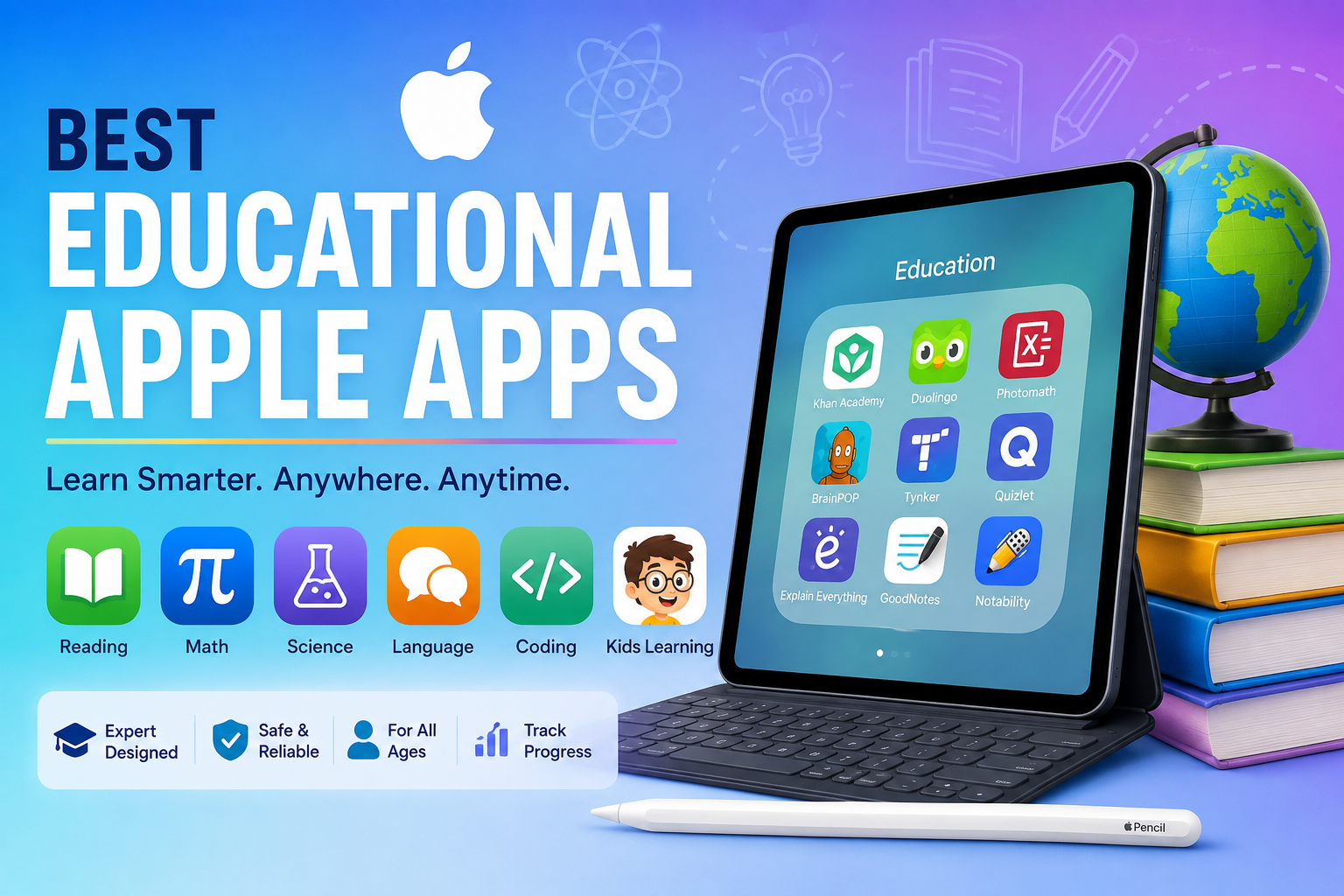
Technology has transformed the way students learn, practice skills, and communicate with teachers. Among the many digital learning tools available today, educational Apple apps provide students and educators with flexible ways to make lessons more interactive and engaging. iPhone, iPad, and Mac users can access a broad range of educational applications covering subjects such as mathematics, science, languages, coding, creativity, and study skills.
Apple’s App Store currently features dedicated education collections and categories, including apps for homework help, language learning, coding, brain training, and classroom management.
Educational Apple Apps
Educational Apple apps are applications designed to support learning through Apple devices such as iPhone, iPad, and Mac. They can help children practice basic academic skills, allow university students to organize coursework, and provide teachers with tools for assignments and collaboration.
These apps use different learning methods, including interactive exercises, videos, quizzes, digital flashcards, simulations, creative projects, and educational games. This variety allows learners to choose resources that match their age, subject, and preferred learning style.
Educational Apple Apps Are Useful
One major advantage of educational apps is convenience. Students can access learning resources from home, school, or almost anywhere with a compatible Apple device. Instead of relying entirely on printed materials, learners can combine textbooks, digital notes, videos, and interactive activities.
Apple also highlights the role of apps and built-in tools in supporting different learning styles and encouraging creativity. Its education platform emphasizes that Apple devices can provide flexible tools for students and educators across different levels of education.
Best Categories of Educational Apple Apps
The App Store provides educational applications for many different purposes. Choosing an app based on the learner’s specific needs can make digital learning more productive.
Math and Science Apps
Math apps can help students practice calculations, algebra, geometry, and problem-solving through interactive exercises. Science applications can make difficult concepts easier to visualize through diagrams, simulations, and augmented reality.Apple’s education collections include applications that allow learners to explore subjects such as biology and human anatomy using interactive experiences.
Language Learning Apps
Language applications help students develop vocabulary, grammar, pronunciation, reading, and listening skills. Popular educational collections on the App Store include tools such as Duolingo, Babbel, Memrise, and other language-learning platforms.These apps can make language practice more convenient because students can complete short lessons whenever they have free time.
Educational Apps for Teachers
Educational Apple apps are not only useful for students. Teachers can also use them to create assignments, share resources, monitor progress, and encourage classroom collaboration.Apple’s Schoolwork app, for example, allows educators to create and distribute assignments, share activities from supported educational apps, and monitor student progress.Other classroom-focused applications provide features for quizzes, digital assignments, communication, presentations, and collaborative projects.
Using iPad and Apple Pencil for Learning
The iPad becomes particularly useful for education when combined with Apple Pencil. Students can write notes by hand, annotate documents, draw diagrams, and complete creative assignments digitally.Apple’s App Store education collection includes applications designed around Apple Pencil, including tools for whiteboarding, paperless classrooms, biology, design, and creative learning.This combination can provide a more natural learning experience for students who prefer writing and drawing rather than typing everything.
How to Choose the Right Educational Apple App
Not every educational app is suitable for every learner. Parents, students, and teachers should consider several factors before selecting an application.First, check whether the app matches the learner’s age and academic level. Next, consider whether its lessons support a specific curriculum or learning goal. Privacy, pricing, accessibility, ease of use, and offline functionality can also be important.
Teachers should focus on whether an app genuinely improves learning rather than simply adding technology to a lesson. Apple’s education resources similarly emphasize evaluating apps based on their value for student learning.
Benefits for Modern Students
Educational Apple apps can make learning more flexible, interactive, and personalized. Students can practice difficult subjects at their own pace, repeat activities when necessary, and explore topics beyond the traditional classroom.Interactive learning can also encourage curiosity and creativity. Instead of only reading about a subject, students may be able to visualize concepts, complete simulations, create presentations, or solve problems through engaging activities.
The Future of Educational Apple Apps
The future of educational apps is likely to include more artificial intelligence, augmented reality, interactive simulations, accessibility features, and personalized learning experiences. As these technologies develop, educational applications may become increasingly capable of adapting content to individual learners.
Apple already promotes a broad ecosystem of academic and creative applications, including tools for higher education, design, productivity, collaboration, and specialized academic workflows.
Conclusion
Educational Apple apps have become valuable resources for students, teachers, and lifelong learners. From mathematics and science to languages, coding, reading, creativity, and classroom management, these applications offer numerous ways to support modern education.
The best app depends on the learner’s goals, age, subject, and preferred learning method. By selecting high-quality applications and using them alongside effective teaching methods, students can turn their Apple devices into powerful learning tools. As educational technology continues to evolve, Apple apps are likely to remain an important part of flexible and engaging digital learning.